Product Arrival and Pre-Order Notification Module for OpenCart





Description
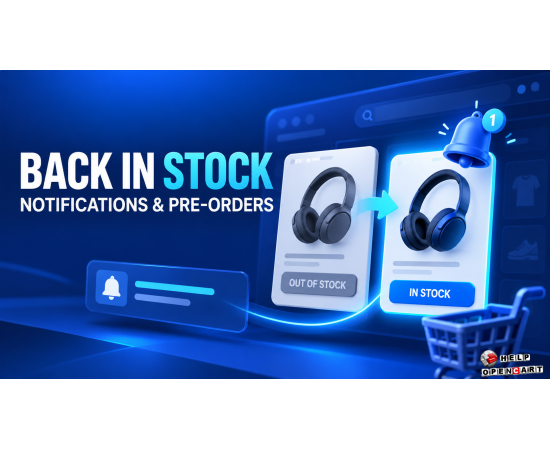
When a product is out of stock, some customers are willing to wait until it arrives, while others want to pre-order it. The product availability and pre-order notification module for OpenCart helps organize the collection of these requests and customize messages for customers and store employees.
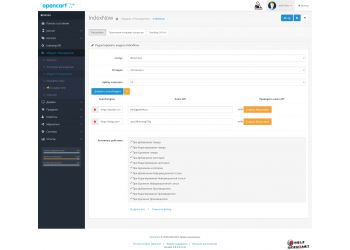
The store owner can customize the form, text, and button design, select availability statuses, define notification templates, and configure delivery parameters via available SMS gateways. The specific set of options and installation requirements should be verified with the module card.
How the module helps the online store
If a desired item is out of stock, the customer can request a notification when it's back in stock or use the pre-order option, if enabled by the store's settings. This allows the store to receive the interested customer's contact information and notify them of the event through a configured channel.
- It is easier for the buyer to express interest in an unavailable product.
- It is more convenient for the store to collect requests and process them according to configured scenarios.
- The texts of the form and buttons can be adapted to the design of the site.
- Notification templates allow you to prepare messages for different types of users and events.
The module itself does not guarantee sales growth: results depend on product range, replenishment times, the quality of request processing, and store settings.
Form settings and descriptions
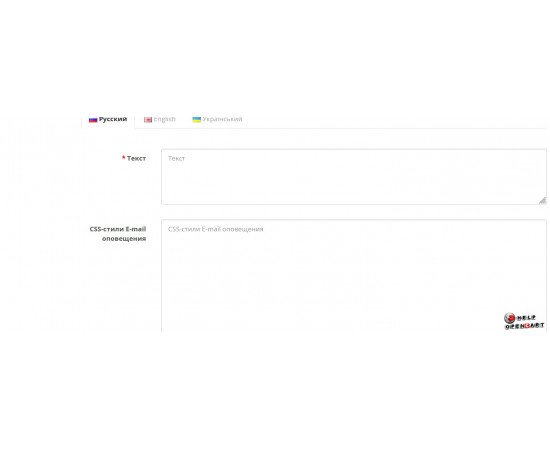
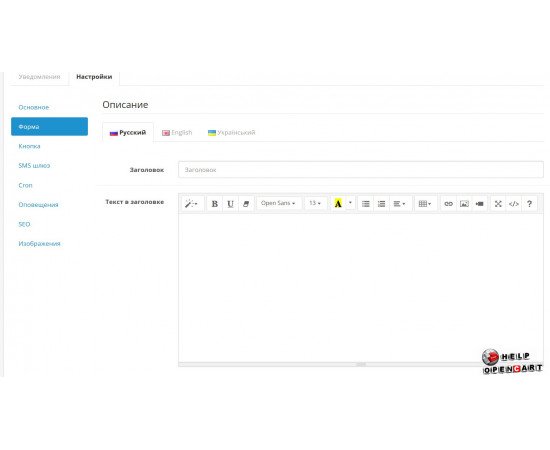
The settings include form parameters and descriptions. These allow you to determine what text visitors will see when interacting with the notification or pre-order feature. Before launching, it's worth checking the wording on the storefront: it should clearly explain the action available to the buyer and what will happen after submitting the form.

Buttons for different scenarios
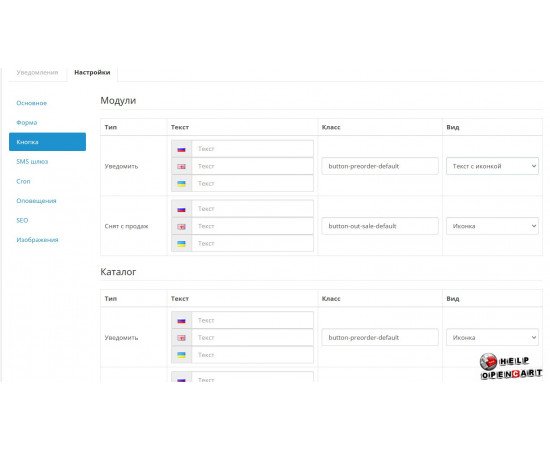
Buttons have customization options for type, text, CSS class, and appearance. This allows you to define the action label, select the design, and associate the button with the desired scenario. For example, a storefront could use different actions for a stock notification and a pre-order request, if the module configuration supports this.
The exact list of types and design options should be checked in the module card or in its settings: it depends on the actual build and configuration of the store.
Availability statuses and date format
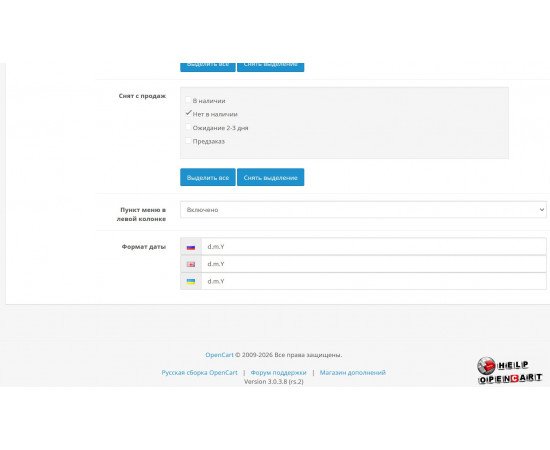
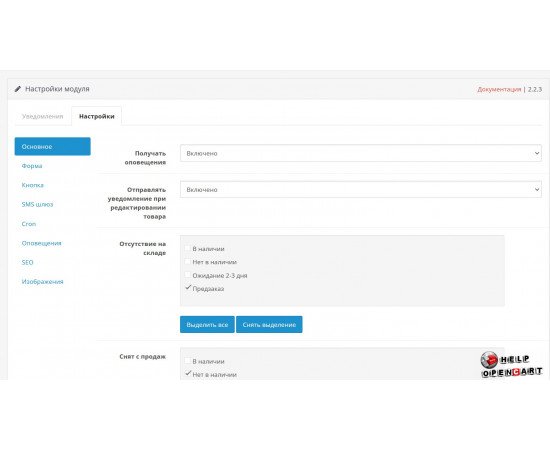
The module allows you to select the availability statuses that are used in its operation. This is important if your store uses custom statuses for out-of-stock items, awaiting delivery, or other conditions. Before enabling the feature, compare the selected values with how statuses are applied in the catalog.
The date format can also be customized. It should be consistent with the language and the way customers are accustomed to displaying dates on the website. Specific format options are not listed in the description to avoid specifying settings that cannot be confirmed.
Notifications and message templates
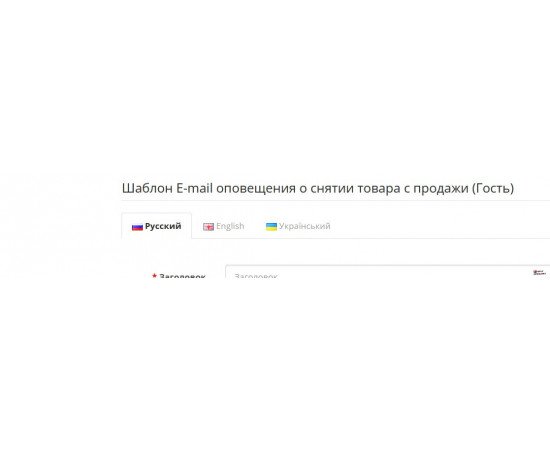
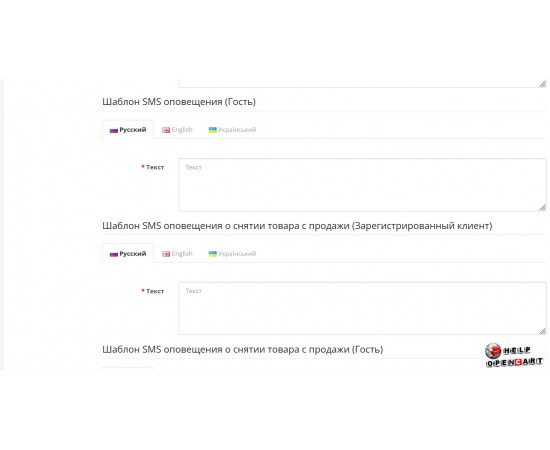
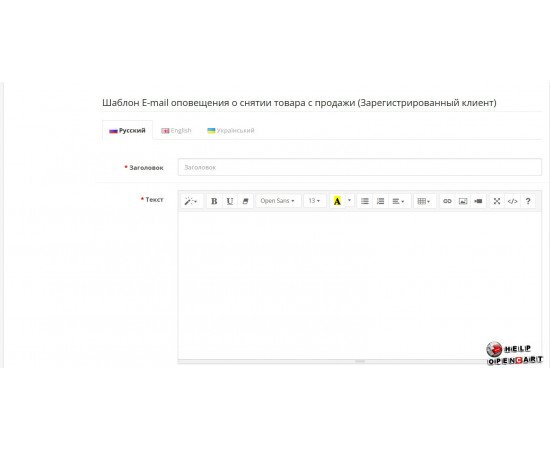
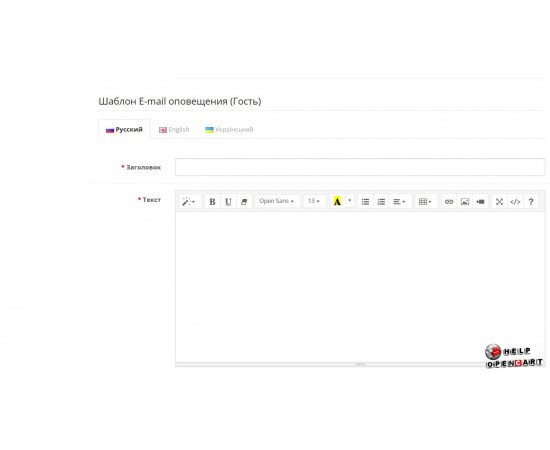
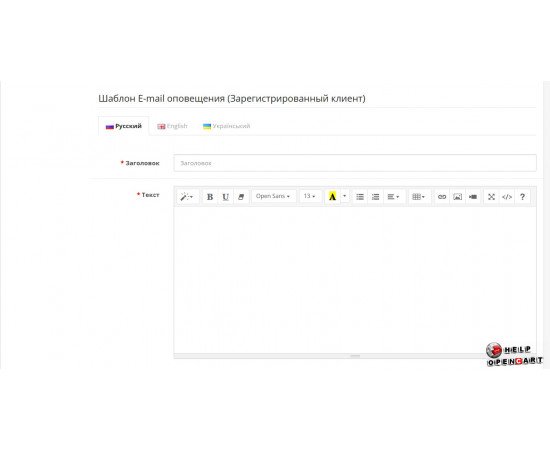
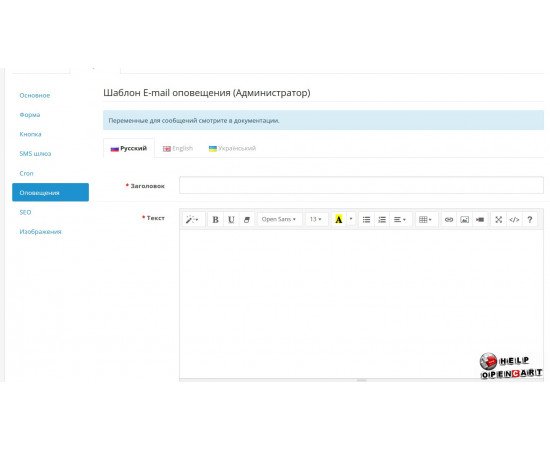
The settings include email and SMS notification templates and templates for different user types and events. This allows you to create customized messages based on the scenario and recipient, such as for a customer or store administrator, if these roles are included in a specific template.
Before using templates, check their contents and available substitutions in the module interface. Don't add variables randomly: use only those notations supported by the installed version.
SMS gateways and credentials
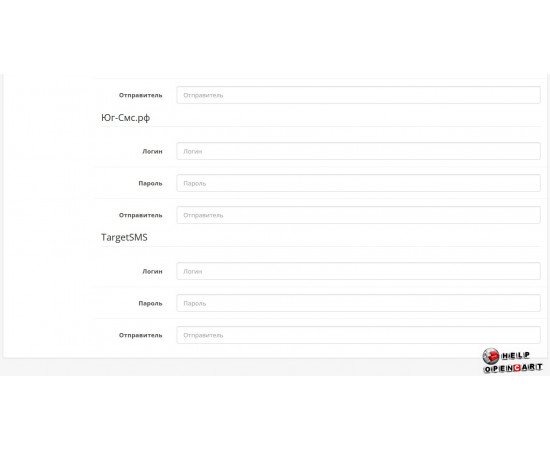
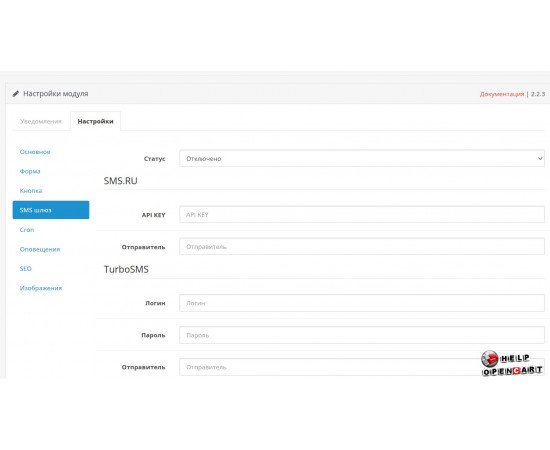
Gateway and account settings are required for sending SMS. Connection requires parameters provided by the selected provider. The availability of specific gateways, their names, and required fields should be verified in the module card and SMS service documentation.
After filling in the parameters, we recommend testing the configuration according to the module's instructions and ensuring that messages are sent through the selected gateway. Do not publish access keys and passwords in plain text.
Cron parameters
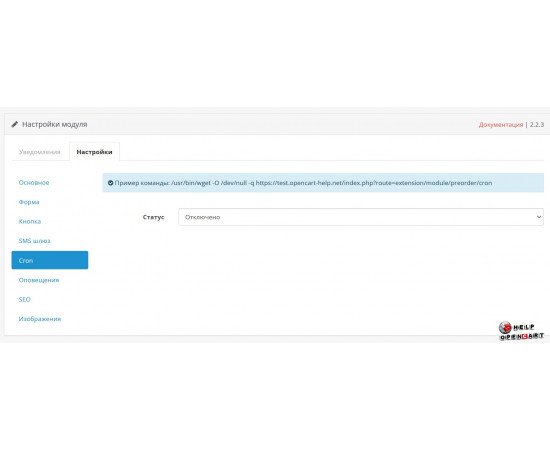
The module contains parameters related to cron. Cron is used to run scheduled tasks on the server side. Before configuring, check the module's documentation for the exact command, required frequency, and available parameters: the presence of cron settings alone does not determine their specific purpose or meaning.
SEO URLs with language fields
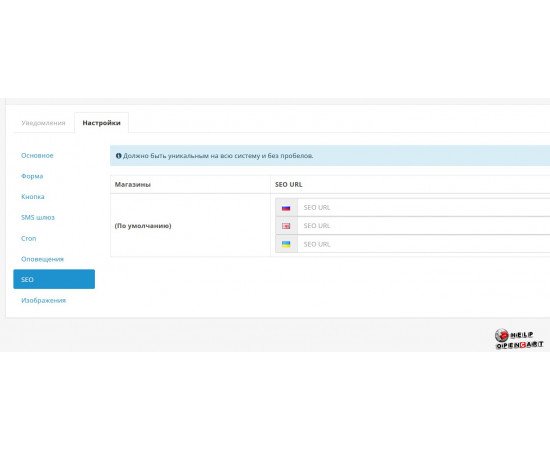
Language fields are available for SEO URLs. This allows you to specify URLs for the corresponding store languages if your site uses multiple languages. Fill in the fields according to the rules of the installed module and ensure that the URLs are unique and open correctly in the storefront.
What to check before purchasing and installing
- Compatibility of the module with your OpenCart version and installed add-ons.
- Server requirements and installation procedure.
- Supported SMS gateways and message sending conditions.
- The cron command and schedule, if needed for the selected scenario.
- Availability of necessary languages and translations.
The module integrates product arrival and pre-order notification settings with form parameters, buttons, availability statuses, messages, SMS gateways, and cron jobs. It can help stores keep track of customer inquiries about out-of-stock items and set up communications based on preset scenarios. Before installation, check the compatibility, requirements, and exact features of a specific version in the product card.