IP City Detection for OpenCart and ocStore



Download-IP City Detection for OpenCart and ocStore
Available Options
Description
Adapt your store to the visitor’s location
The IP City Detection module helps tailor an OpenCart or ocStore storefront to a visitor’s location. The city can be detected automatically from the IP address, with an option for the customer to choose a city manually. This makes it possible to show location-specific information and make checkout more convenient.
Geolocation and city selection
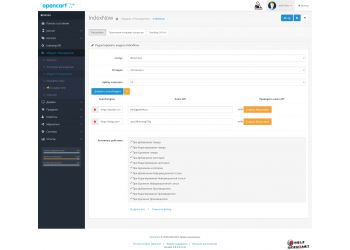
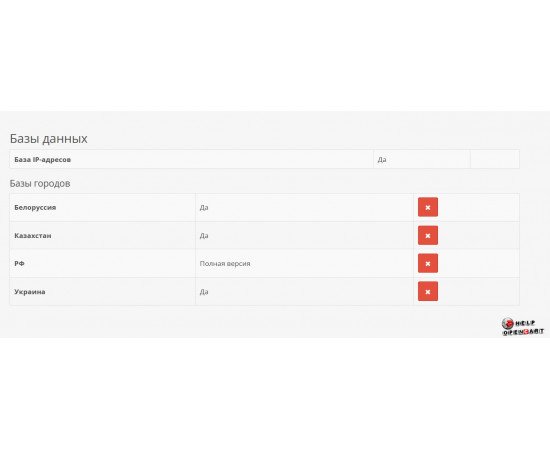
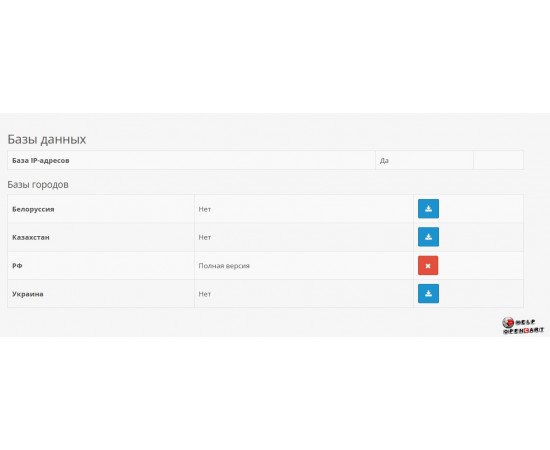
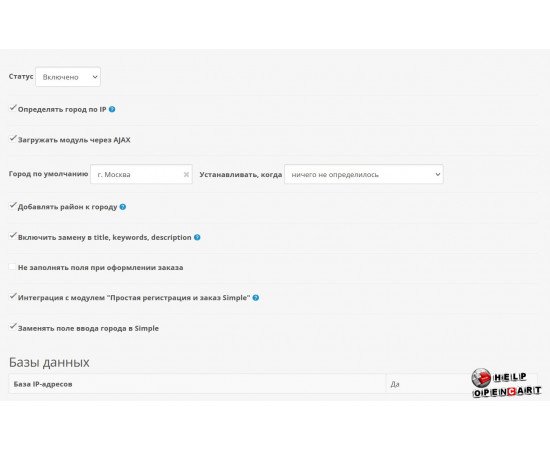
The settings shown include enabling IP-based city detection, choosing a default city, and setting when it should be applied if the location cannot be detected. The module can also be loaded via AJAX. Its interface shows an IP address database and city databases for Russia, Belarus, Kazakhstan, and Ukraine.
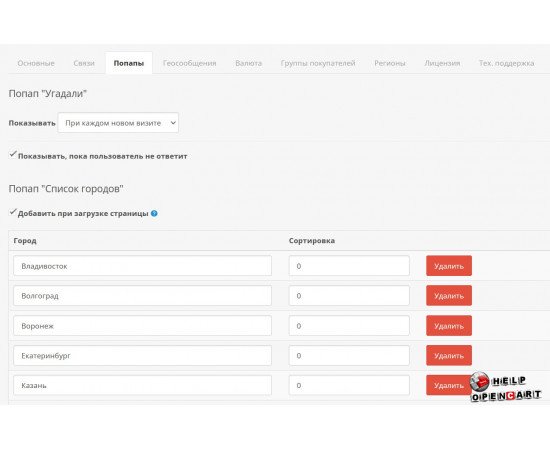
Customers can interact with city selection through pop-up windows. The city-list pop-up has an option to appear on page load; the notification pop-up includes controls for display frequency and waiting for the customer’s response.
Location-based store settings
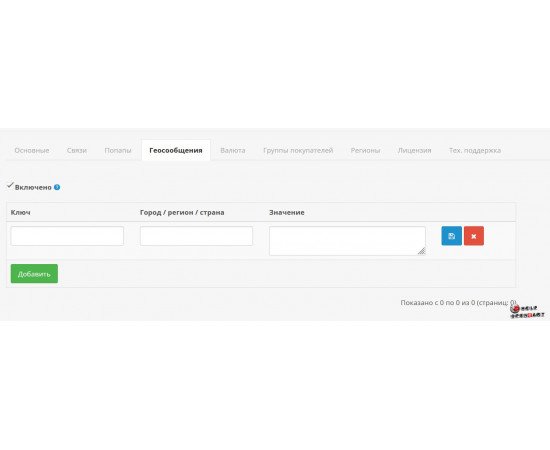
- Location messages: assign a value to a key and a city, region, or country, such as text or HTML for a selected audience.
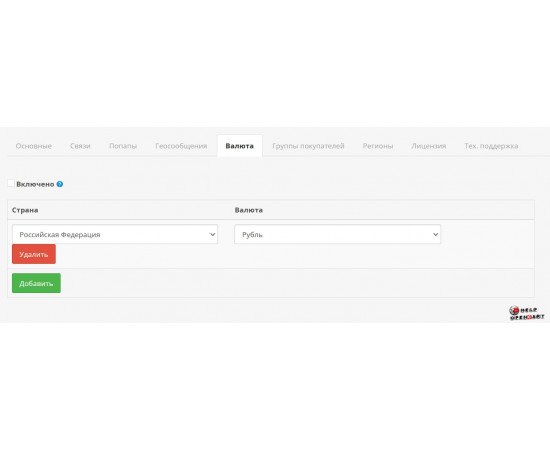
- Currencies: map a country to a currency. The screenshot shows an example using the Russian ruble.
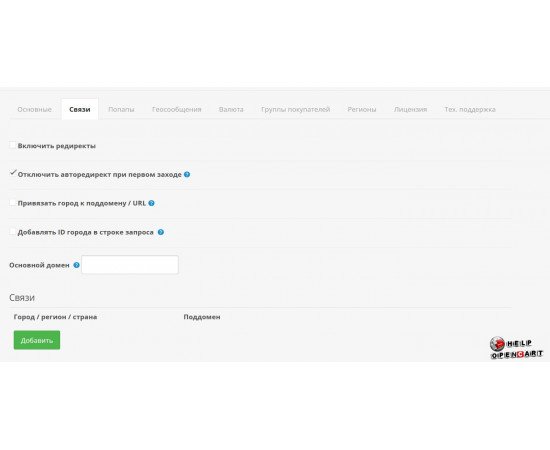
- Mappings and redirects: the interface includes redirect and city-to-subdomain or URL settings. It also provides a main-domain field and mappings between locations and subdomains.
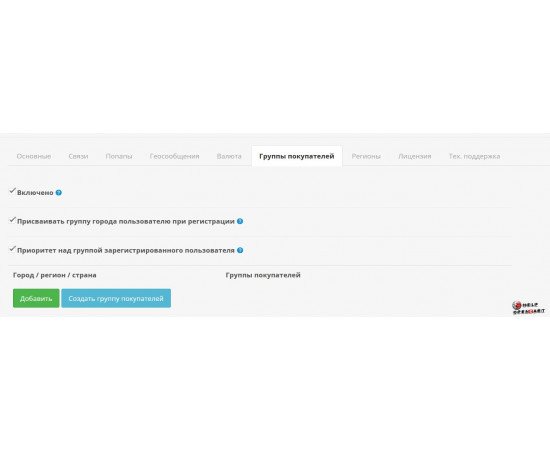
- Customer groups: map a city, region, or country to a customer group, with an option to assign the location’s group during registration.
- Checkout: settings cover location fields and integration with the “Simple Registration and Checkout” module, including replacing Simple’s city input field.
- SEO substitutions: a switch is available to replace the city in the
title,keywords, anddescriptionfields.
Choose the workflow that fits your store
Features are controlled through separate settings. You can choose a default city, enable or disable redirects, configure messages for selected locations, and decide how the module interacts with the checkout form. This lets you use location data in several areas of the store, from a welcome message to regional checkout settings.
Compatibility
The product page lists compatibility with OpenCart 3.x and PHP 7.1–7.4. Compatibility with OpenCart 4, other PHP versions, specific themes, and third-party extensions is not confirmed on the page.
Installation and setup
- Before installation, compare your OpenCart and PHP versions with the product requirements, and check compatibility with your theme and checkout setup.
- Create a backup of the store files and database.
- Install the extension archive through OpenCart’s administration installer if the supplied archive uses the standard installation format.
- Check that the module appears in the admin panel, enable it, and configure administrator-group permissions if required.
- Enable the required features and check the IP and city databases. If the module screen offers a city-database download, use that control and confirm the status has changed.
- Set the default city, pop-ups, location messages, and relevant regional rules. Enable domain mappings, currencies, customer groups, SEO substitutions, or Simple integration only if your store needs them.
- Test city selection, checkout location fields, and storefront pages. If OCMOD is used, refresh modifications and clear the relevant caches according to your OpenCart version’s procedure.
This is a practical installation sequence based on the store’s general OpenCart module installation guide. The product page does not publish a module-specific manual, exact archive filename, admin menu path, installation file list, or confirmation that every city database must be downloaded. Check the instructions included with the purchased archive before deployment.
Who can benefit
This module may suit stores that need to account for a customer’s city or region: displaying local messages, directing visitors to a relevant storefront address, setting regional currency rules, or linking a location to a customer group. These workflows can be useful for stores with multiple regional storefronts and checkout forms where a preselected city saves the customer time.
Verify before publishing: actual geolocation accuracy and country coverage; behavior with VPNs, proxies, and mobile networks; how and when the IP database is updated; whether an external service or license is required; current support for Simple and specific checkout extensions; redirect behavior and its SEO impact; archive contents, license terms, and update availability. These details cannot be reliably confirmed from the product page and screenshots.
Источники и редакторские примечания
- Карточка модуля на OpenCart Help — подтверждает название, OpenCart 3.x, PHP 7.1–7.4 и скриншоты; текстовое описание на карточке ограничено названием.
- Англоязычная карточка — также содержит только краткое название в описании.
- Общая инструкция площадки по установке модулей OpenCart — использована только для общей последовательности установки и проверки.
- Скриншоты из карточки, приложенные пользователем: основные настройки, попапы, геосообщения, валюты, группы покупателей, связи/редиректы, базы IP и городов.
Описание функций составлено по видимым названиям и контролам интерфейса. Где экран не раскрывает поведение, текст сформулирован осторожно или вынесен в блок проверки. Скриншот истории заказа не описывает функции геомодуля и в описание продукта не включён.
Specifications
| Compatibility | |
| Php version | 7.1-7.2-7.3-7.4 |
| Add-ons and extensions | |
| Совместимость | OpenCart 3.x |